We're one of the tools below, so read this with that in mind. Most "on-model AI photography" roundups compare price and output resolution and stop there. The question that actually decides whether a tool fits your catalog is simpler: whose model is on the page, a stock model the tool picked, or the actual model your brand already shoots with? That single choice shapes everything downstream, from brand consistency to whether the same "person" looks the same across forty products. Here's how the field splits on it.
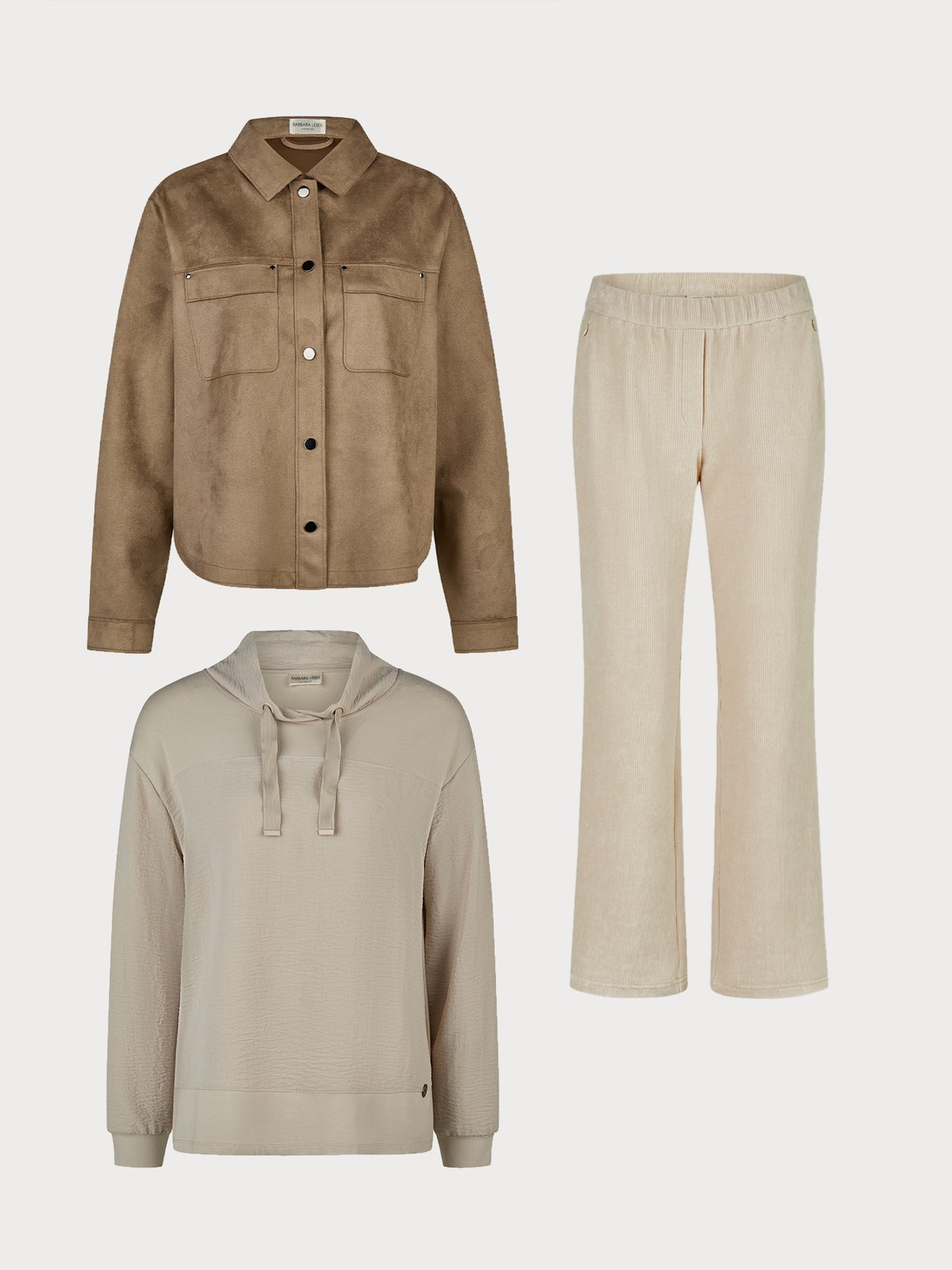
Before — flatlay upload
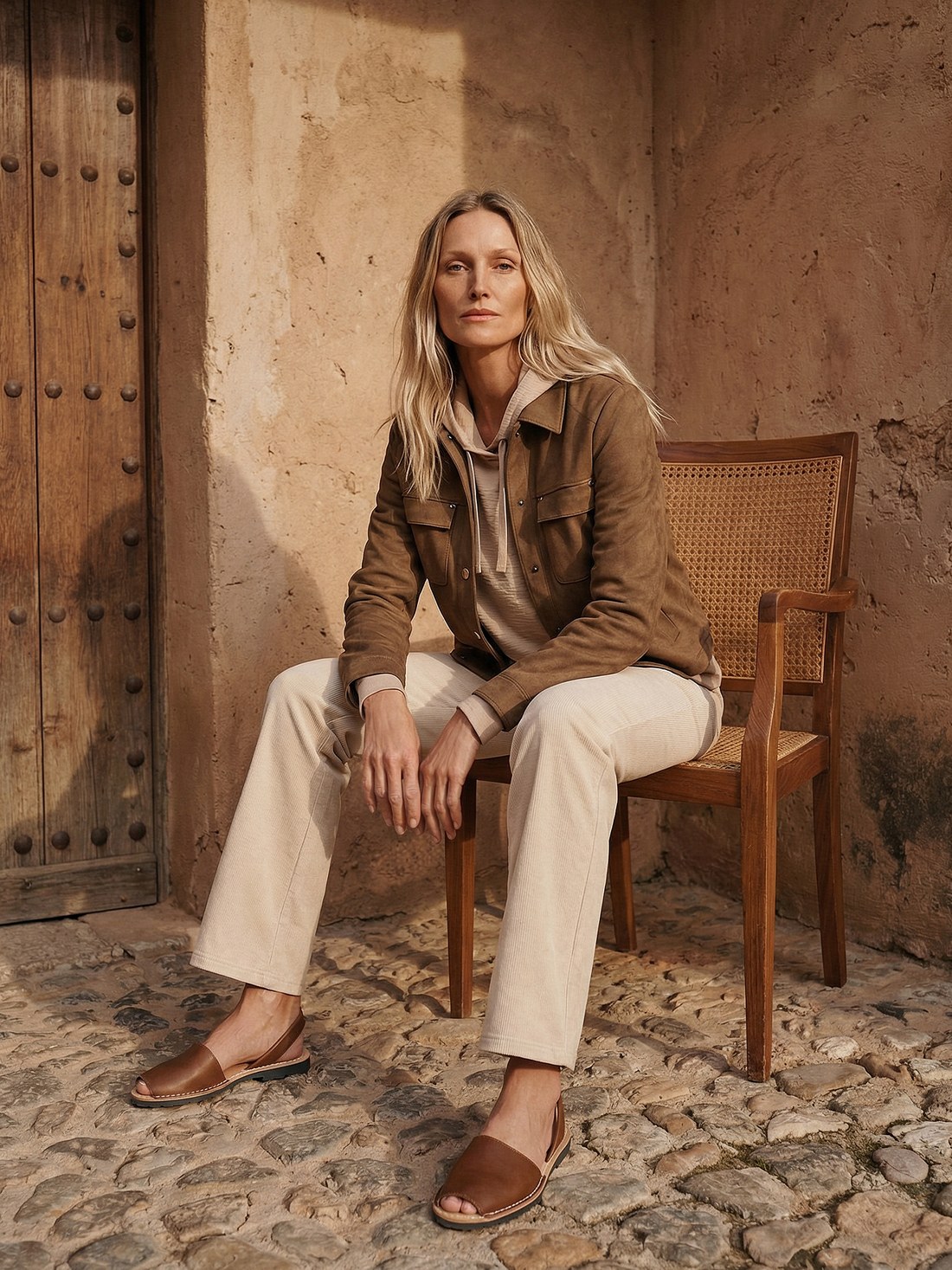
After — NotShot render
Most of the category works this way: upload a garment, pick a face and body from a library, get a render back. It's fast to start and doesn't require you to have a model photo on hand at all.
Diverse-by-design AI fashion models, now part of Browzwear, positioned alongside fit prediction and 3D garment authoring for enterprise brands. Quote-based enterprise pricing with annual contracts, so onboarding runs through procurement rather than a signup form. Makes sense for a brand already buying into the Browzwear stack.
Pay-as-you-go from around $0.04 per generation, credits that don't expire, and a deep stock-model library. Good fit for independent creators and small brands who want to experiment cheaply and are comfortable doing their own quality check on what comes back, since there's no automated gate on outputs before you see them.
A subset of pre-generated AI models plus a customer-supplied option, on monthly subscription tiers. Popular with fast-fashion brands publishing a lot of SKUs against an included image quota. Internal QA reviews the generated images rather than an automated per-category check.
A stock-avatar library built into a broader Shopify-first image and video generator, so on-model fashion is one surface among stills, social content, and short-form video. Per-download pricing above the plan quota, useful if the same tool needs to also produce social content, not just catalog shots.
Over 100 stock AI models with control over ethnicity, age, and look, on tiered monthly plans. Straightforward for a brand that wants to pick a look and move fast, without needing a real model photo to start from.
The one difference that actually changes the workflow: you supply the model photo, and the output keeps that identity rather than generating a new one. There's no stock library to browse. That matters most when a brand has already built recognition around a specific model, or when the same "person" needs to read consistently across a full catalog rather than drifting look to look. It comes with the tradeoff of needing a real model photo to start from, and a judge-graded quality check that auto-refunds anything under the bar rather than shipping it, the identity-preservation mechanics are explained here. Pay-per-render credits, 50 free at signup, and it handles swimwear and intimates, categories some of the stock-model tools above don't list as a strength.
| Tool | Model source | Pricing shape | Best for |
|---|---|---|---|
| NotShot | Your own supplied model, identity preserved | Pay-per-action credits | Catalogs needing the same recognizable model across many products |
| Lalaland | Diverse stock model library | Enterprise, quote-based | Brands already on the Browzwear stack |
| VModel.ai | Stock model library | PAYG from ~$0.04/generation | Cheap experimentation, own QA |
| Botika | Stock models + customer option | Monthly subscription tiers | High-volume fast-fashion drops |
| CreatorKit | Stock avatars | Tiered plan + per-download | Stills and social video from one tool |
| WearView | 100+ stock models | Monthly subscription tiers | Fast start, simple catalogs |
If your brand doesn't have a consistent model or doesn't need one, a stock-model tool gets you moving faster and usually cheaper. If your catalog needs to look like the same person wore every item, which is what a shopper actually expects scrolling a category page, that's the specific problem the customer-supplied approach solves, and it's the reason NotShot doesn't offer a stock library at all.