Most product pages display an image well under its original resolution. It's tempting to conclude resolution doesn't matter much. It's the wrong conclusion, and it's why NotShot treats upscaling as its own dedicated step, not an afterthought.
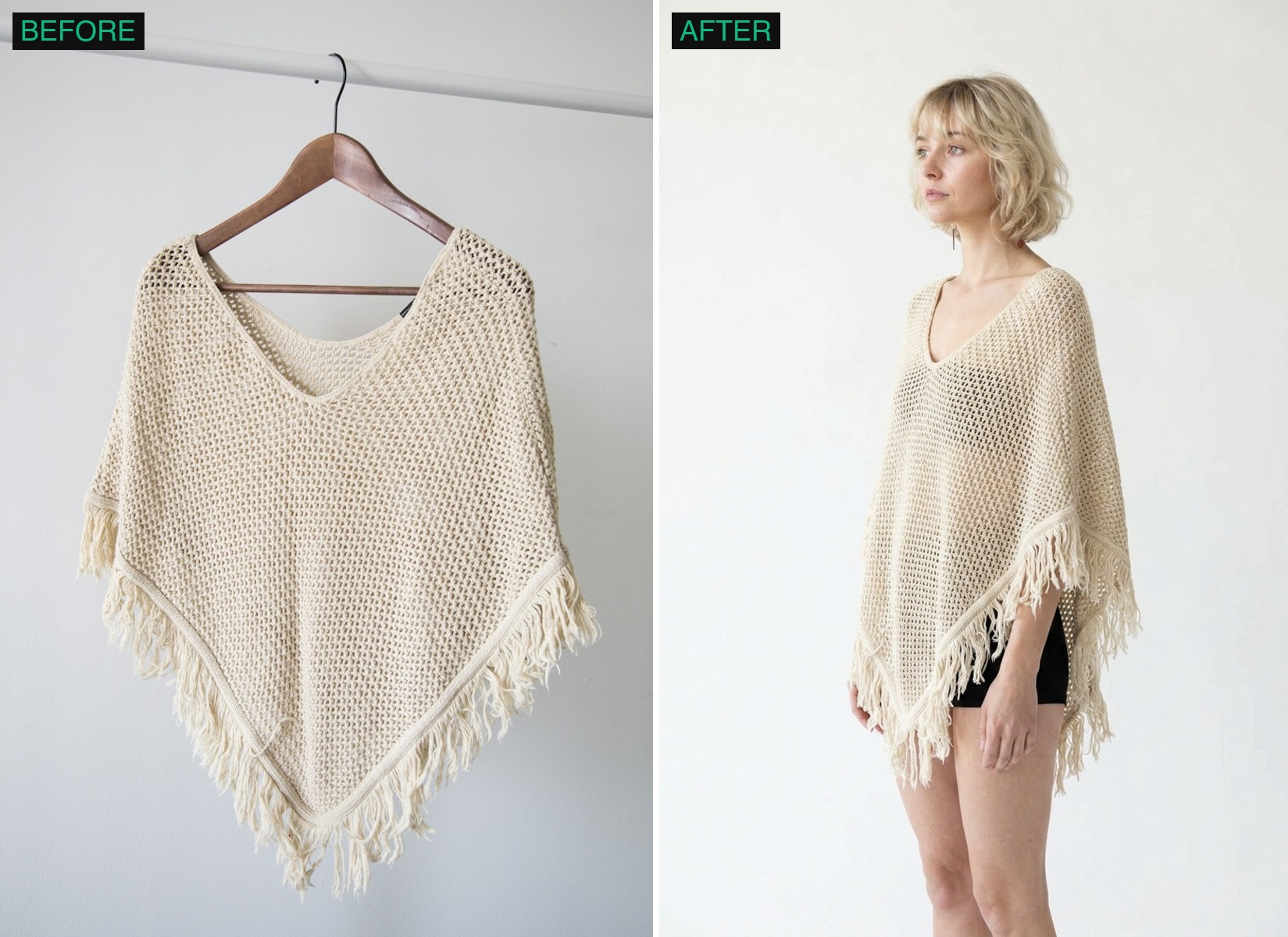
Customers zoom. A product image that looks fine at thumbnail size but goes soft or blocky the moment someone pinches to zoom in on a fabric weave or a stitch line reads as cheap, even if the shot itself was well composed. That single interaction, someone deciding whether to trust a garment's quality by zooming in, is exactly where a low-resolution render fails first.
After the base render is generated, a dedicated upscaling pass brings it to full 4K before it's delivered, so fabric texture, stitching, and fine detail hold up under a real zoom rather than smearing into a generic blur. This runs as a distinct pass in the workflow, separate from the base generation, precisely because getting resolution right is a different problem from getting composition and lighting right.
A low-effort AI photo tool can generate something that looks convincing at a small preview size while cutting corners on the resolution pass, since most casual viewing never catches it. It only becomes visible the moment a real customer zooms in on a product they're actually considering buying, which is the worst possible moment for it to fail.
Beyond the 4K default, NotShot also offers a separate 8K upscale step, roughly 33 megapixels of output, built directly into the same workflow, no separate upscaling tool required. It's for cases where a catalog image ends up somewhere that genuinely uses that much resolution, a large print, a full-bleed hero on a high-density display, a crop that needs real room to breathe. Most tools in this category cap out at 4K or route you to a bolt-on upscaler outside the actual product flow, this is a step inside the same one.